macOS 13+ Apple Silicon / Intel
DetectRadar for macOS
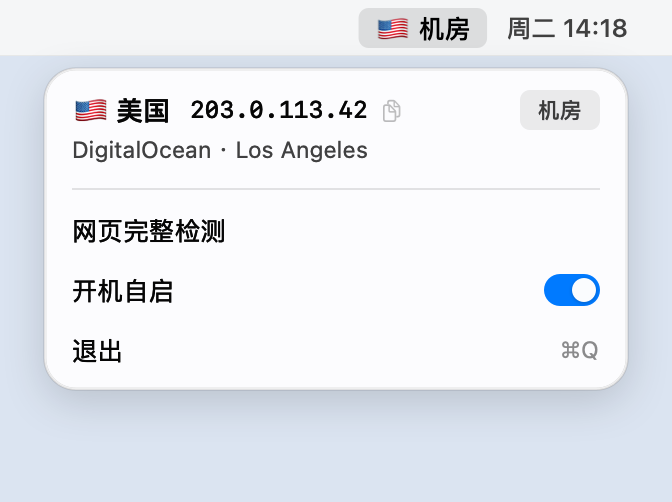
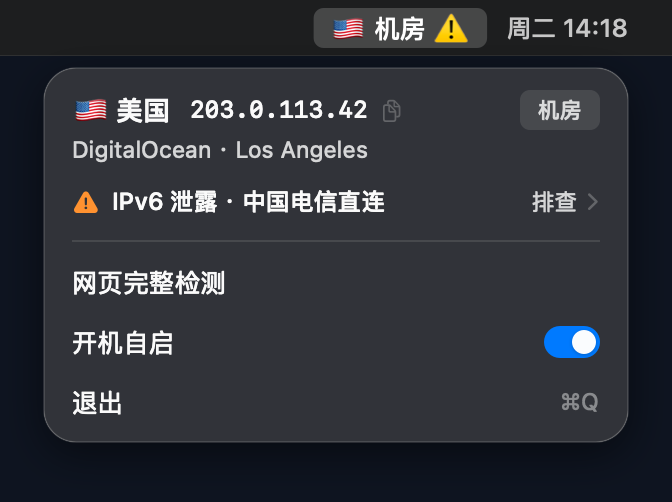
See your exit IP, ISP/datacenter status, and IPv6 leak alerts in the macOS menu bar (app UI is currently in Chinese; IPv6 alerts focus on Mainland China).
Or install with Homebrew
brew install --cask harrisonwang/tap/detectradar-bar macOS says "unverified" or "damaged" on first launch?
After dragging the app into Applications, run this once in Terminal:
xattr -cr /Applications/DetectRadarBar.app 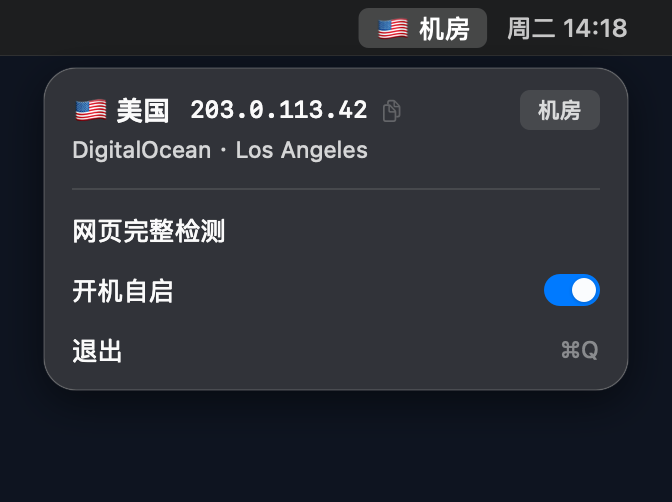
Terminal Self-Check SKILL.md ↗
Let your AI coding agent inspect terminal routing
Works directly with Antigravity, Claude Code, or Codex — zero install required.
Follow https://detectradar.com/en/SKILL.md to check my terminal exit IP, IPv6, and DNS leaks
Proxy Panel Modules modules/ ↗
Surge / Stash / Loon Panel Modules
Inspect exit IP type, 30-day ASN human traffic, and IPv6 bypass inside your proxy client (fast local lookup; module UI is currently in Chinese).
Surge
.sgmodule
Stash
.stoverride
Loon
.plugin